How a hardware shop runs on BARITA.
Know what to reorder, from whom, and what you owe. In one place.
The setting: One store, six staff.
It started with one simple request.
“I run a small hardware and home goods shop with six staff. Right now we track stock in a notebook and an old spreadsheet, and we keep running out of popular items while other things sit on the shelf for months. …”
Read the whole request
I run a small hardware and home goods shop with six staff. Right now we track stock in a notebook and an old spreadsheet, and we keep running out of popular items while other things sit on the shelf for months. I also lose track of which suppliers we've ordered from, what we owe them and when deliveries are due. I want one place where my team can see what we have, record what we sell each day, know when to reorder and from whom, and where I can see at a glance what's selling and what isn't.
What gets in the way.
Popular items kept running out.
Other things sat on the shelf for months.
Supplier orders, bills and delivery dates were lost track of.
No way to see at a glance what sells and what does not.
Watch the crew take it on.
I run a small hardware and home goods shop with six staff. Right now we track stock in a notebook and an old spreadsheet, and we keep running out of popular items while other things sit on the shelf for months. I also lose track of which suppliers we've ordered from, what we owe them and when deliveries are due. I want one place where my team can see what we have, record what we sell each day, know when to reorder and from whom, and where I can see at a glance what's selling and what isn't.
The request as it was typed.
The requestGet my stock under control
The work appears here
How each one is removed.
Popular items kept running out.
Every sale lowers the count, and anything at its reorder point goes on one list: what to order, and from whom.
The app the crew designed
Other things sat on the shelf for months.
Ask which items are not moving and get the list, with how much shelf value they hold.
A plain question, answered
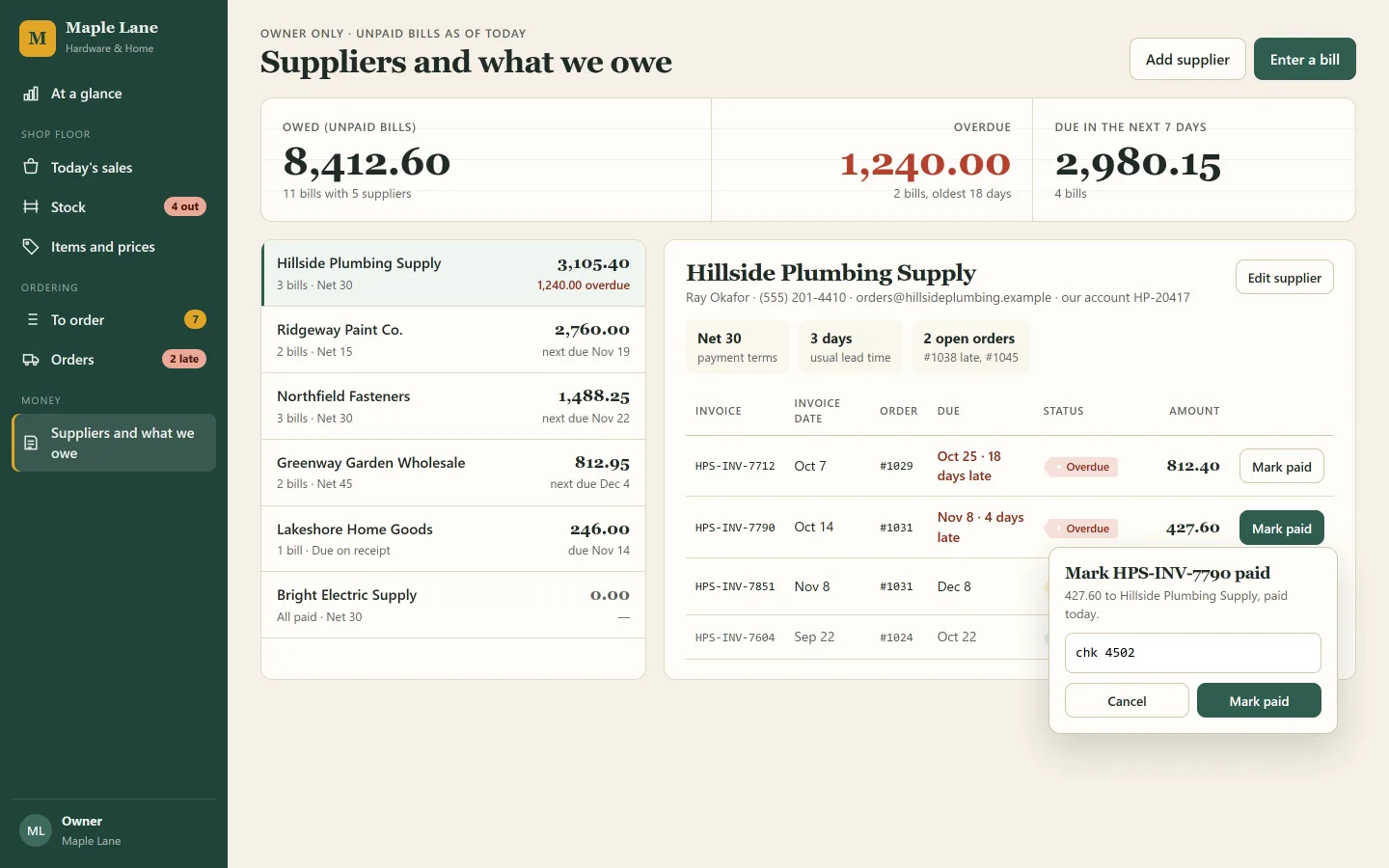
Supplier orders, bills and delivery dates were lost track of.
Each order carries its due date and what is owed; a late delivery or a bill coming due is flagged without anyone checking.
A routine that runs by itself
No way to see at a glance what sells and what does not.
One page for the owner: best sellers, slow movers, what will run out and what is owed.
A dashboard for the owner
What this takes off your plate.
No more double entry
A sale is recorded in a few taps at the counter and stock drops with it. The notebook and the spreadsheet stop needing each other.
The shelf check does itself
The to-order list shows what is low, how long it will last and which supplier to call, so reordering stops being guesswork.
Supplier money in plain sight
Late deliveries and overdue bills sit on the owner's first page, so nothing owed slips past its date unnoticed.
Read next
Nursery and kindergarten
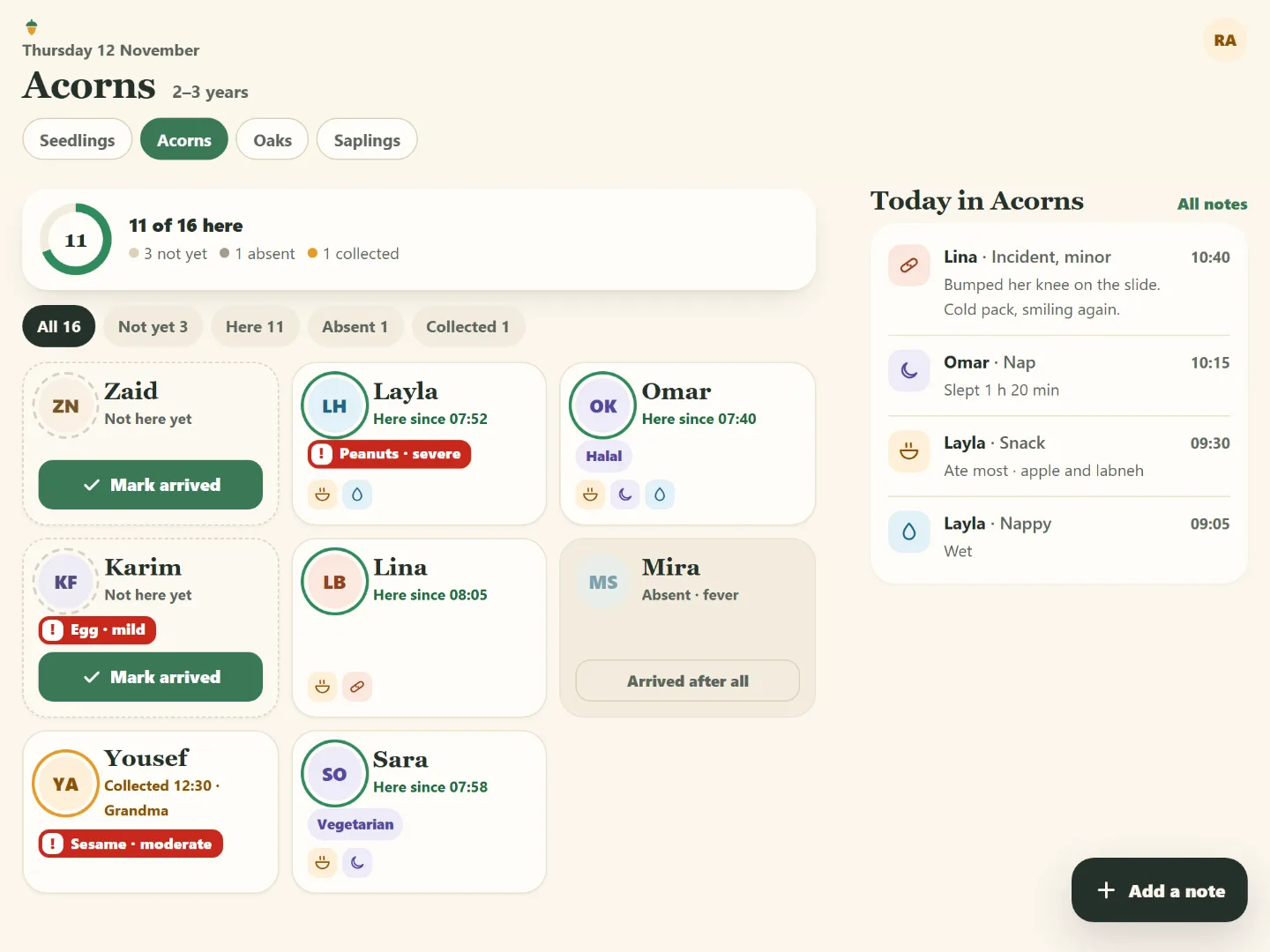
Parents see their child's day. Teachers put the notebook down.
Attendance on paper, care notes in a notebook, fees in a spreadsheet. The crew designed one app for teachers, parents and the office, in English and Arabic.
Your turn. One message is enough to start.
Say what your business needs in your own words. The crew plans it, shows you the screens, and builds once you agree.